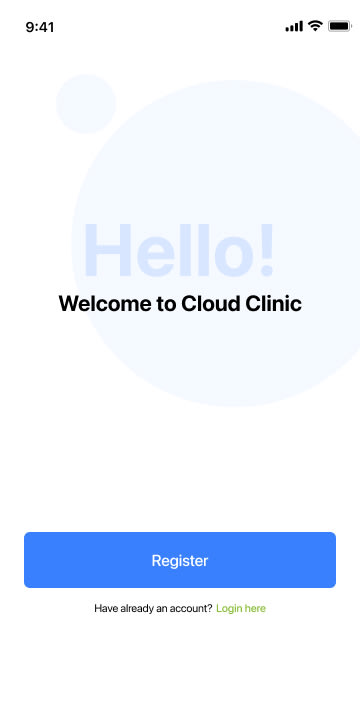
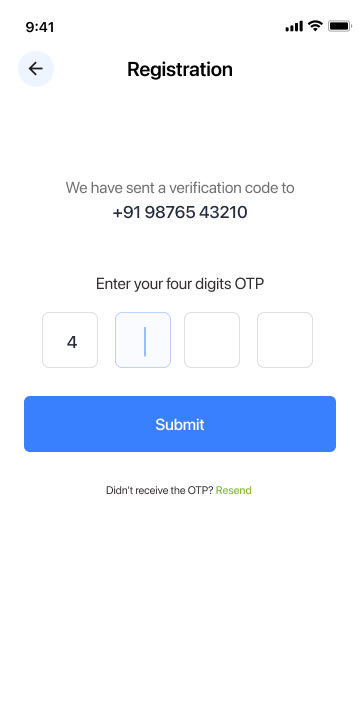
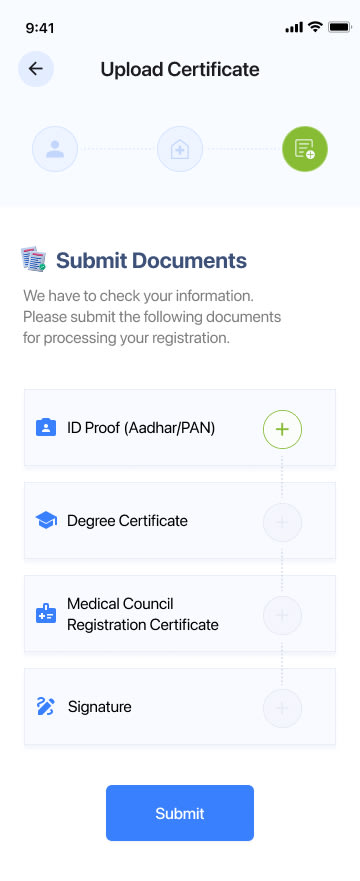
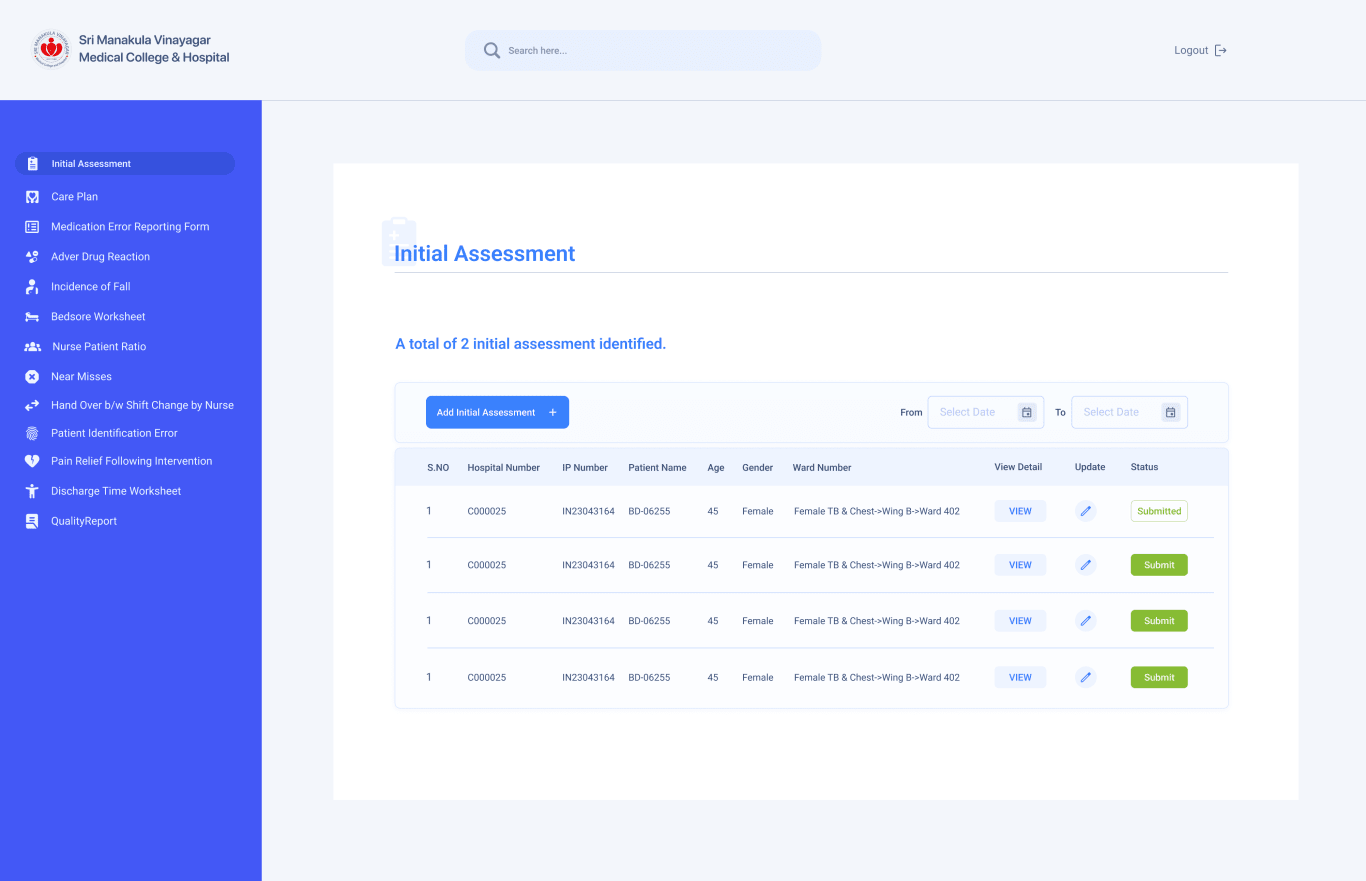
Cloud Clinic brings registration, patient records, appointments, consultation notes, medicines, lab tests, invoicing, and printable reports into one structured mobile workflow for doctors and front-desk teams.
CategoryHealthcare & Clinics
ClientCloud Clinic
EngagementUI/UX design
Delivered40+ screens
Overview
Problems faced, business impact, and what the product solved.
Problem faced
Front-desk, doctor, and billing work lived in separate routines.
Clinic teams were handling patient lookup, appointment booking, consultation notes, medicine entries, lab tests, and invoices as disconnected tasks. That made every visit dependent on staff memory, repeated questioning, and manual handover between reception and consultation.
Business risk
No single view of appointments, revenue, or repeat visits.
Without a shared operational dashboard, clinics lose visibility into daily consultations, appointment status, earnings, patient history, and pending reports. The business impact is simple: slower service, harder reconciliation, weaker follow-up, and more room for billing or prescription errors.
What we achieved
A single patient-led workflow from booking to payment.
We centered the product around the patient record: search, history, appointment, consultation, medicines, lab tests, invoice, and report. Walk-ins and scheduled visits follow one booking spine, so staff can move from queue management to consultation handover without learning separate systems.
Analytics value
Core business signals are visible on the home dashboard.
The home screen surfaces consultations, earnings, appointments, and new patient activity as daily operating signals. Instead of acting only as a data-entry app, Cloud Clinic gives clinic owners and managers a quick read on workload, revenue movement, and service demand.
04 — Colour
A restrained healthcare palette for clarity and trust.
Primary · CTAClinic Blue#3D7DF5
Accent · Confirm & bookVital Green#7FB93C
SurfaceSky Mist#F1F5FE
Cards & sheetsCard White#FFFFFF
TextInk Charcoal#17181C
05 — Type
Type that stays legible mid-consultation.
Cloud ClinicHumanist SansHeadings · Patient names
View Health RecordNeutral SansBody · Forms · Records
06 — Screens
Core product screens, shown as working UI.
9:415G 100%
01 / 07WelcomeScroll screen ↓
Explore the product flow
01 / 07
07 — System coverage
The rest of the kit, flow by flow.
Beyond the seven hero screens, the kit documents the full clinic journey — from account creation and certificate verification to consultations, billing, and clinic settings. A selection, grouped the way the flows were designed.
Registration
Verification
Login OTP
Basic information
Clinic information
Upload certificate
Success
Patients
Visit record
Dosage detail
Lab reports
Appointments hub
Walk-in booking
Doctor list
Doctor details
General information
Lab tests
History search
Invoice search
Consultation report
Invoice report
Settings
Products
Consultation config
08 — Business outcomes
What the clinic business can track and control.
1
Operating dashboardconsultations, earnings, appointments, and new patients visible in one daily view.
2
Booking modes unifiedwalk-in and scheduled appointments share one operational flow.
3
Clinical record blocksgeneral information, prescribed medicines, and lab tests captured as structured data.
40+
Screens deliveredonboarding, verification, records, appointments, consultation, billing, reports, and settings.