My Medical Shop unifies medicine ordering, lab test booking, prescription upload, checkout, and order tracking into one clear mobile commerce flow.
CategoryHealthcare & Pharmacy
ClientMy Medical Shop
EngagementUI/UX design
Delivered60+ screens
Overview
A single commerce spine for medicines, tests, and prescriptions.
Operational gap
One app had to handle multiple regulated order types.
My Medical Shop needed to sell three very different things through one app — everyday medicines, lab tests that need appointment slots, and ayurvedic products — plus handle prescription uploads for regulated drugs. Each journey had its own rules for browsing, cart, and checkout, and without a shared system, the app risked feeling like three apps stitched together.
Product logic
Every journey needed to end in the same checkout pattern.
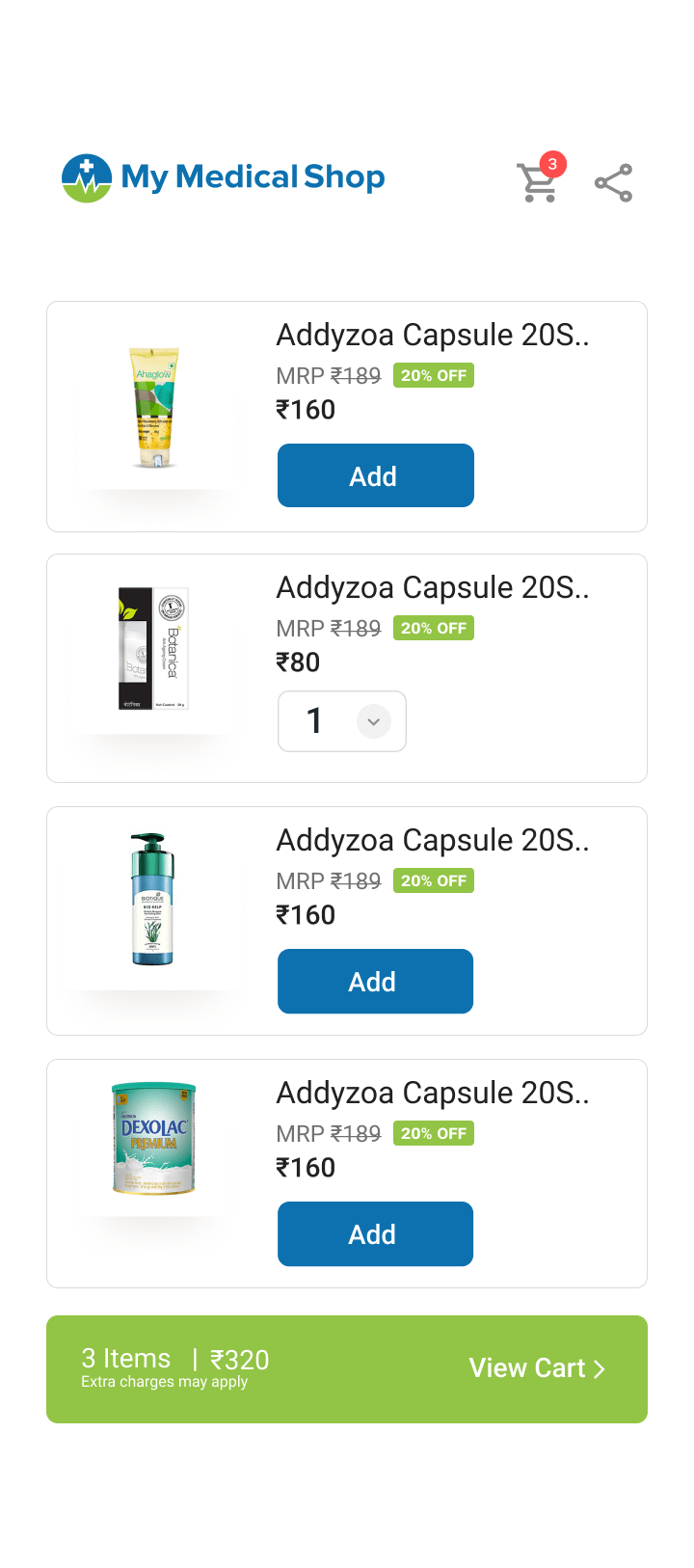
We designed a single home screen with four clear entry points — Order Medicines, Lab Test, Ayurveda, and Upload Prescription — that all move into the same cart and checkout flow: choose order type, confirm address, pick a payment method, done. When a cart contains a prescription-only medicine, the prescription upload step appears as a clear gate, with a free doctor-consultation option for shoppers who do not have one yet.
Design response
A shared design system keeps the app predictable.
Because every journey shares the same list → cart → checkout → track shape, a shopper who has ordered medicines already knows how to book a lab test or reorder a monthly prescription with Repeat Order. Order tracking reuses the same status states — Created, Shipped, Delivered, Cancelled — for both medicine and lab orders, all documented across a 60+ screen handoff-ready UI kit.
04 — Colour
A palette that reads as trustworthy, not clinical.
Primary · CTATrust Blue#1671B8
Accent · Confirm & saveWellness Green#7CB342
Status · CancelledAlert Coral#E14B4B
SurfaceCloud Grey#F4F7FA
TextInk Slate#2B2F38
05 — Type
Type built for fast scanning on a small screen.
My Medical ShopRounded SansHeadings · Prices
Order Number: 73424Neutral SansBody · Labels · Form fields
06 — Screens
Core product screens, shown as working UI.
9:415G 100%
01 / 07HomeScroll screen ↓
Explore the product flow
01 / 07
07 — System coverage
The rest of the kit, organised by flow.
Beyond the seven hero screens, the handoff kit documents every journey end to end — from first registration to a delivered order. A selection, grouped the way the flows were designed.
RegistrationOTP verificationEmail verify
Medicines homeLab test homeCoupons
Cart — 8 itemsSelect addressAdd new addressPayment mode
Schedule appointmentPatient detailsLab test payment
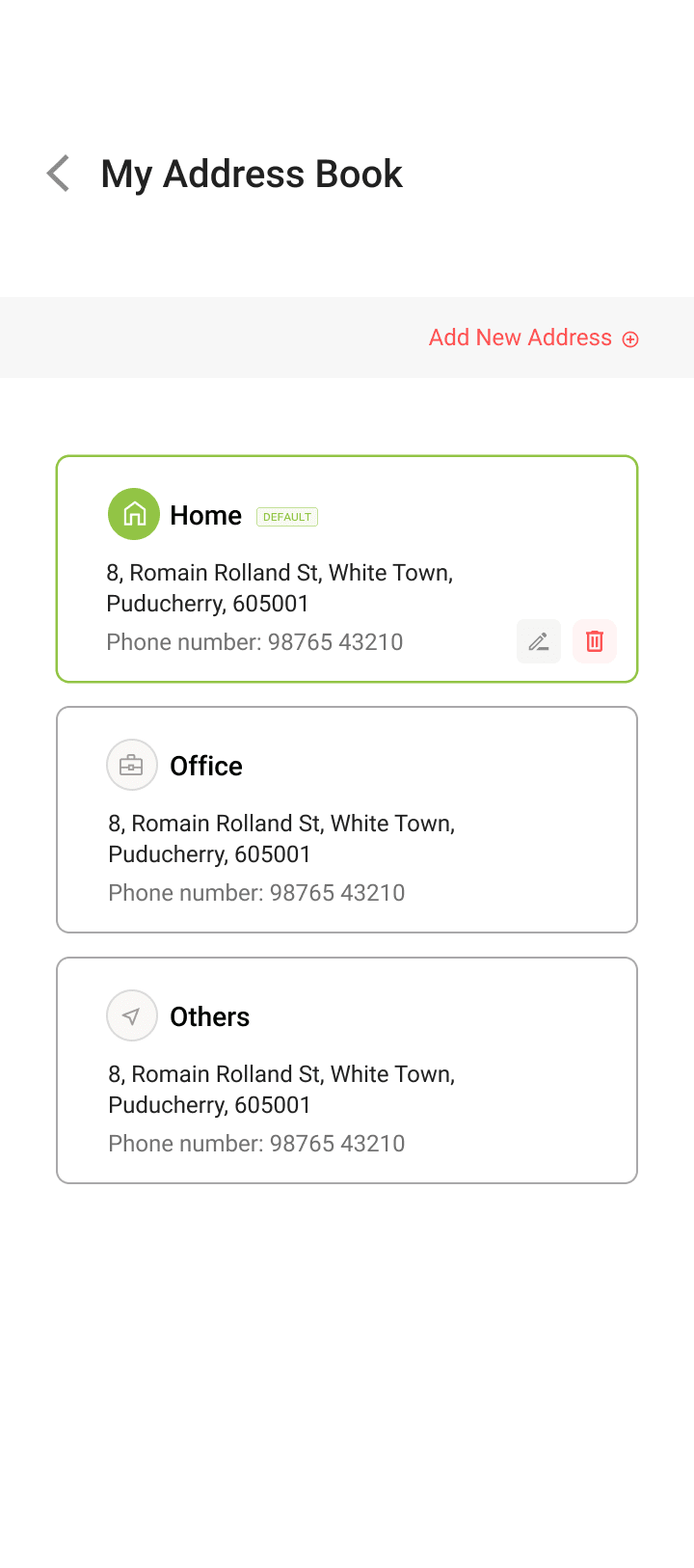
Order trackingOrder detailsPrescription ordersMy accountAddress book
08 — Outcomes
What the UI system delivered.
4
Ordering journeys unifiedmedicines, lab tests, ayurveda, and prescription upload — one home screen.
60+
Screens delivereda full handoff-ready UI kit, end to end.
1
Shared order patterncart → order type → address → payment → confirmation, reused everywhere.